Analyze your mix with AI-powered insights. Get instant feedback on stereo width, phase coherence, mono compatibility, and more. Elevate your music production.
Seamless experience across Apple platforms
Optimized for iPhone with intuitive touch controls and on-the-go analysis
Enhanced interface for iPad with split-view support and Apple Pencil integration
Full desktop experience with advanced features and professional workflow integration
Everything you need to analyze and improve your mixes
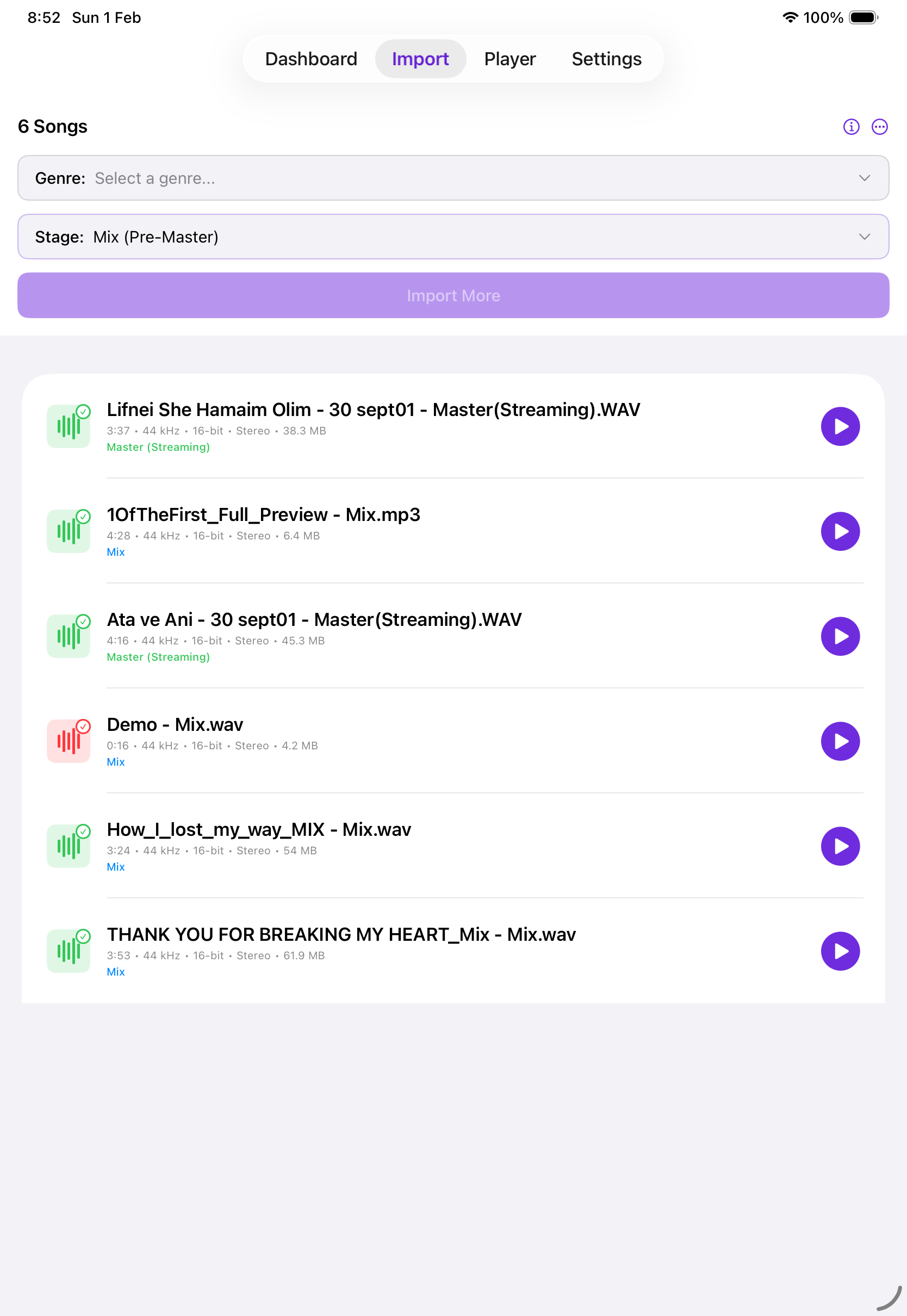
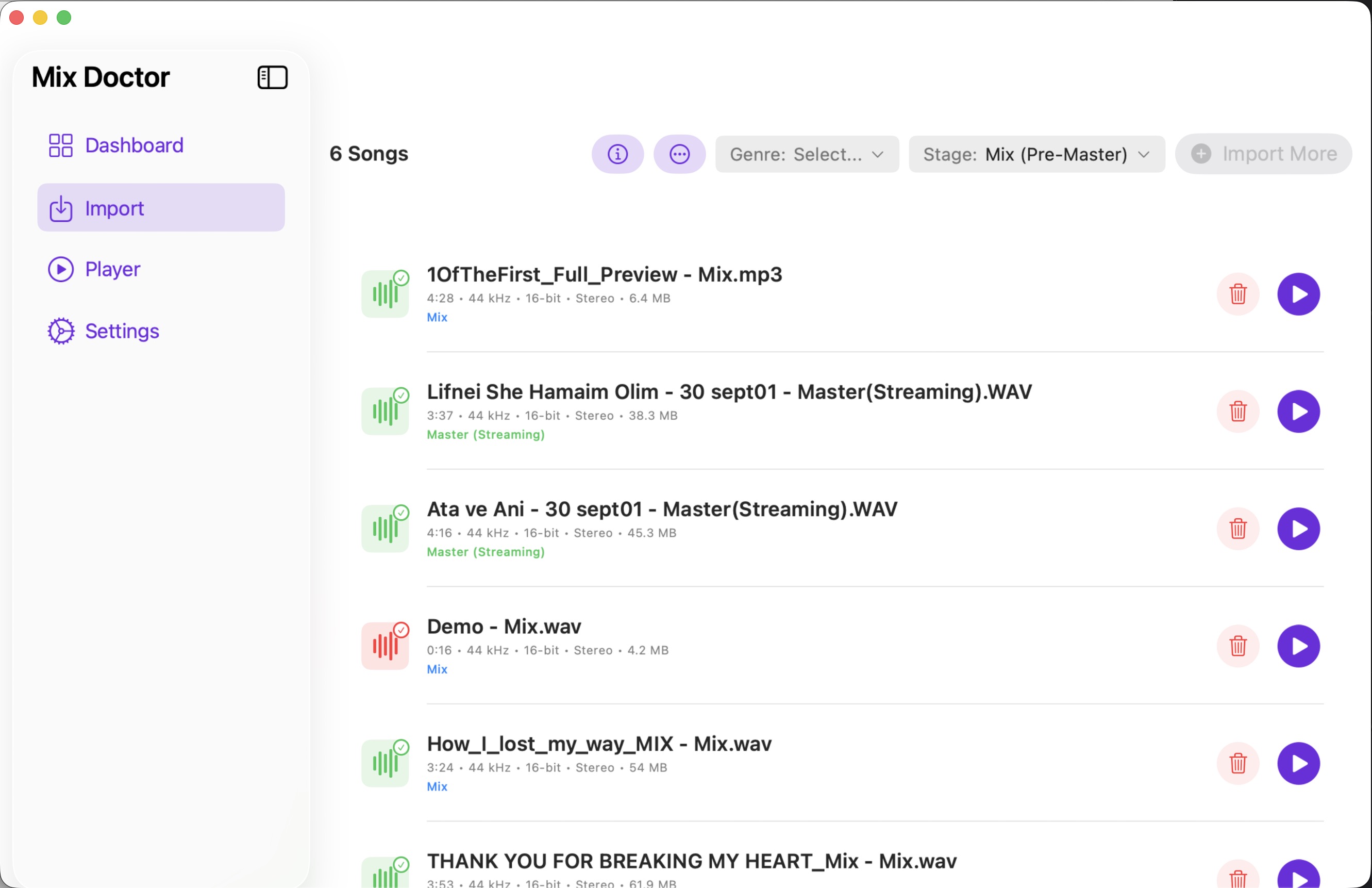
Select your music genre and production stage (Mix or Master), then upload WAV or MP3 files. Easy workflow with drag and drop support on macOS.
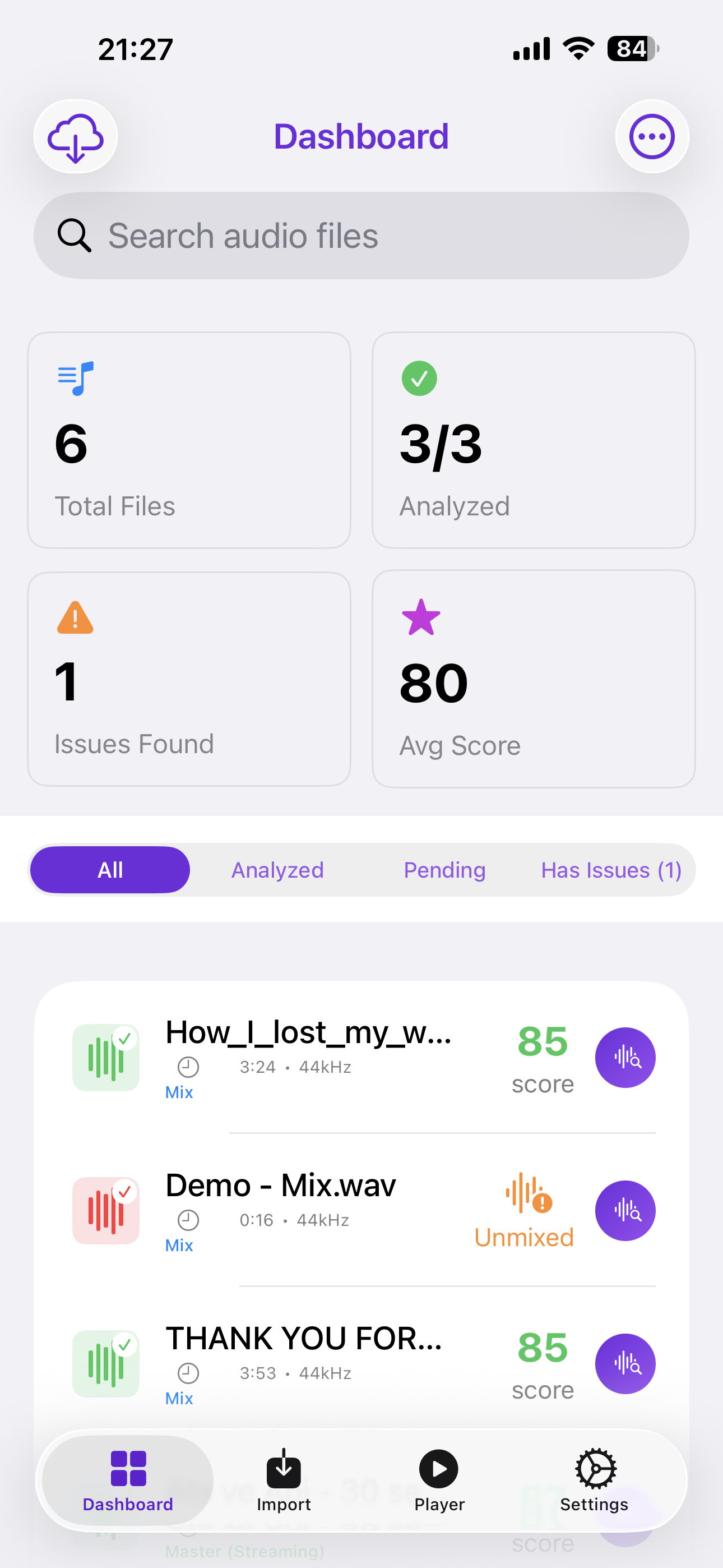
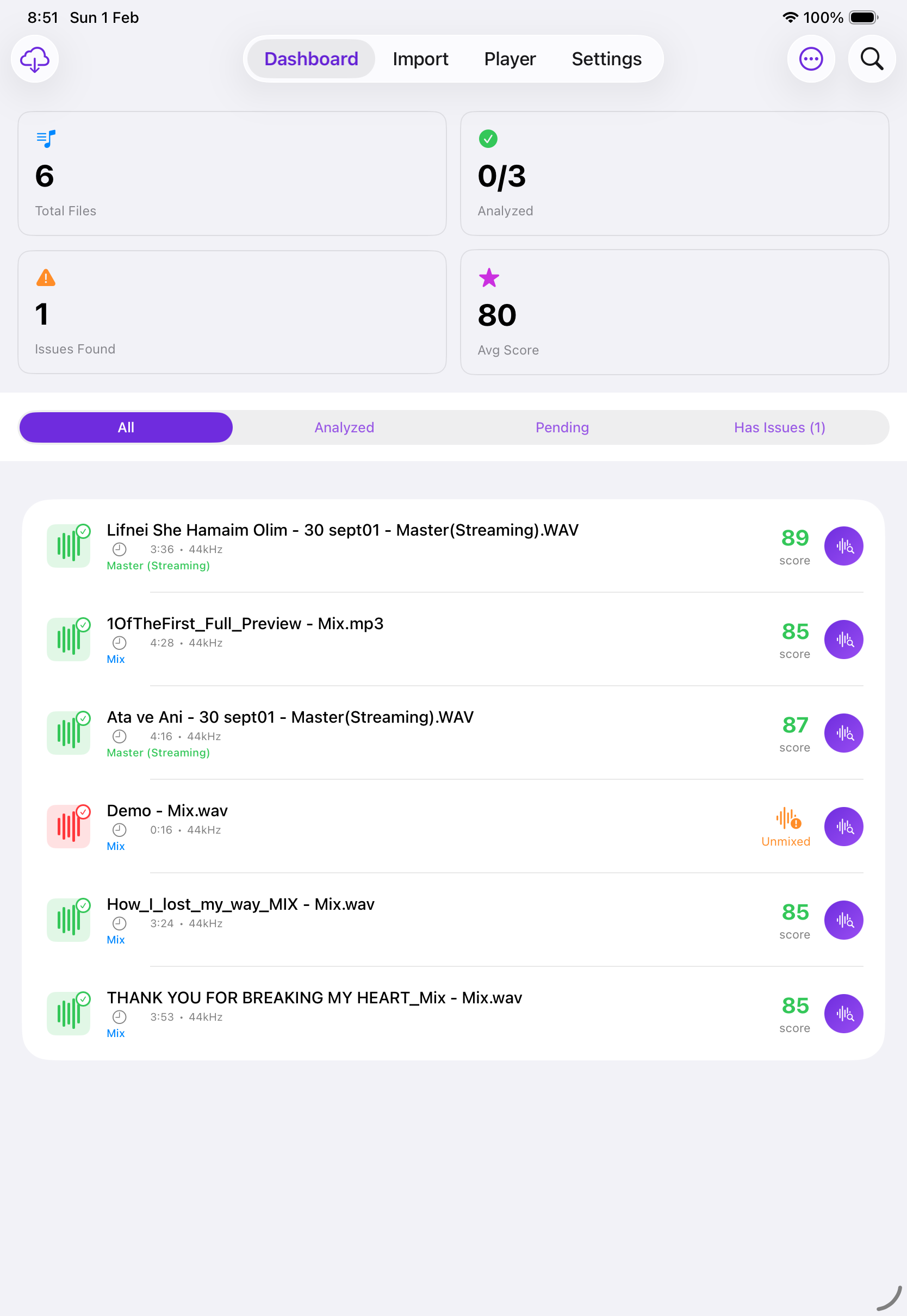
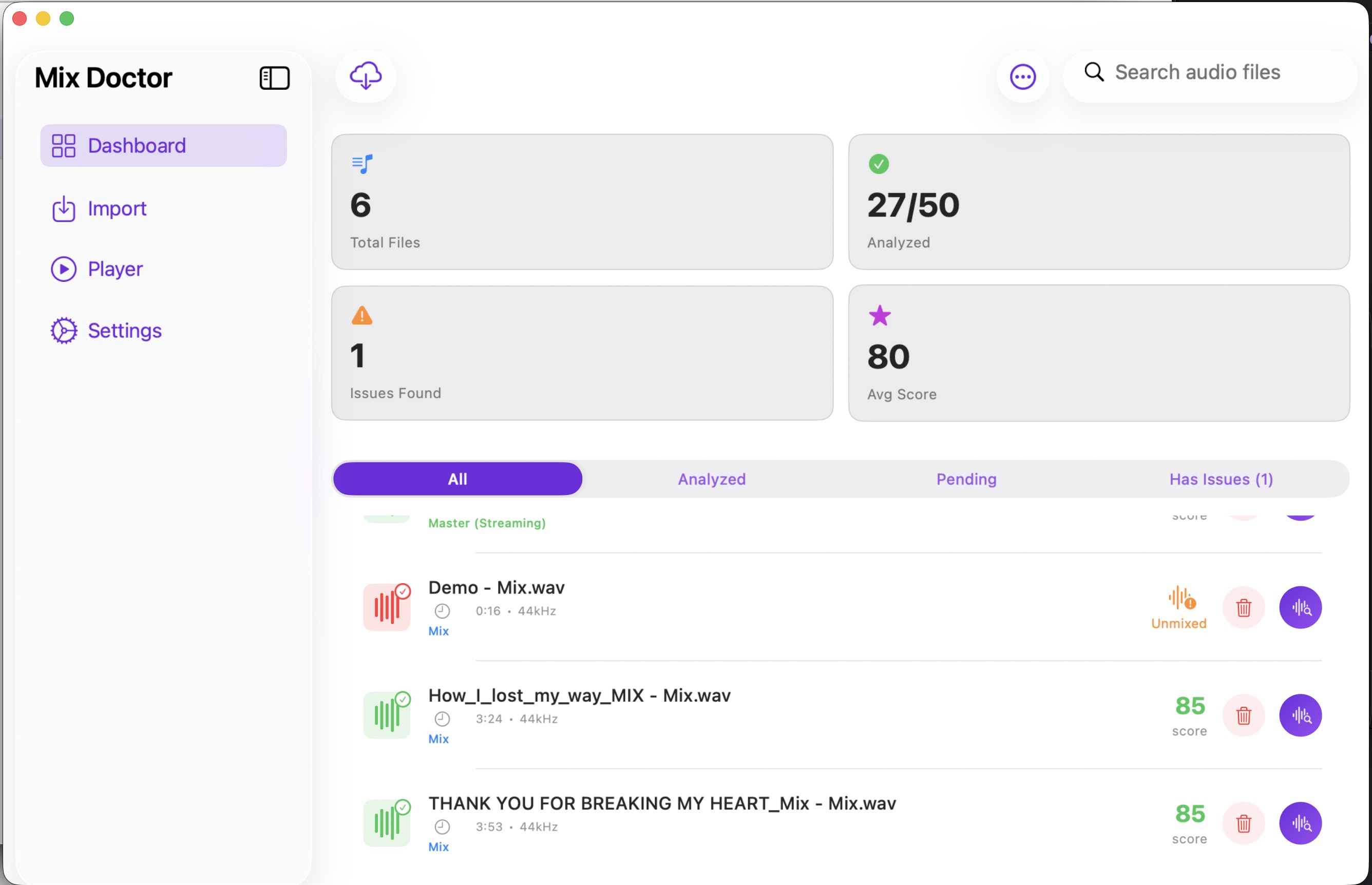
Monitor analysis results with detailed dashboards. View total files, analyzed tracks, issues found, and average scores.
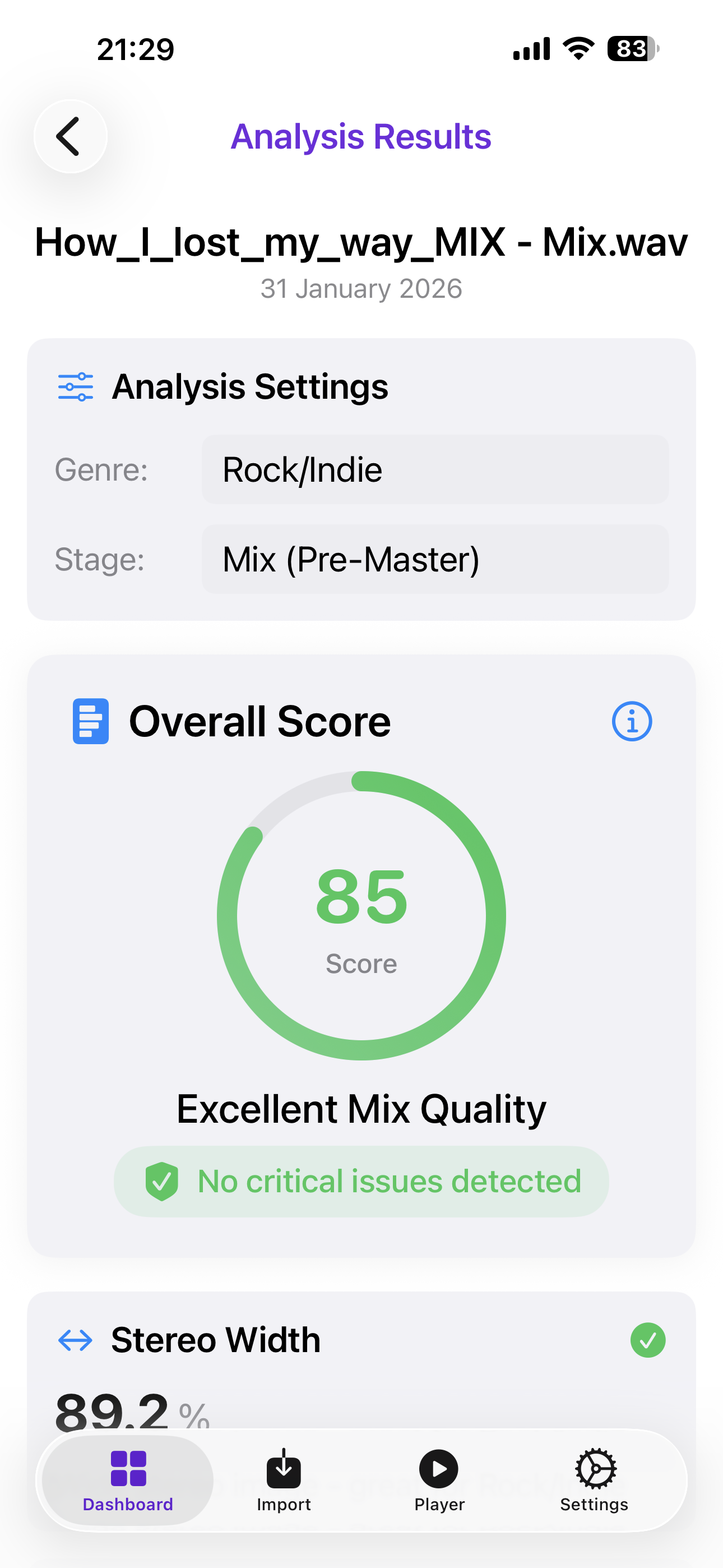
Get comprehensive analysis including stereo width, phase coherence, mono compatibility, dynamic range, and frequency balance.
Receive intelligent mixing recommendations powered by Claude AI. Get actionable feedback to improve your mixes.
All analysis happens locally on your device. Your audio files never leave your device. Optional iCloud sync available.
Powered by Apple's Accelerate framework for ultra-fast DSP analysis. Get results in seconds, not minutes.
Beautiful, intuitive interface across all your devices
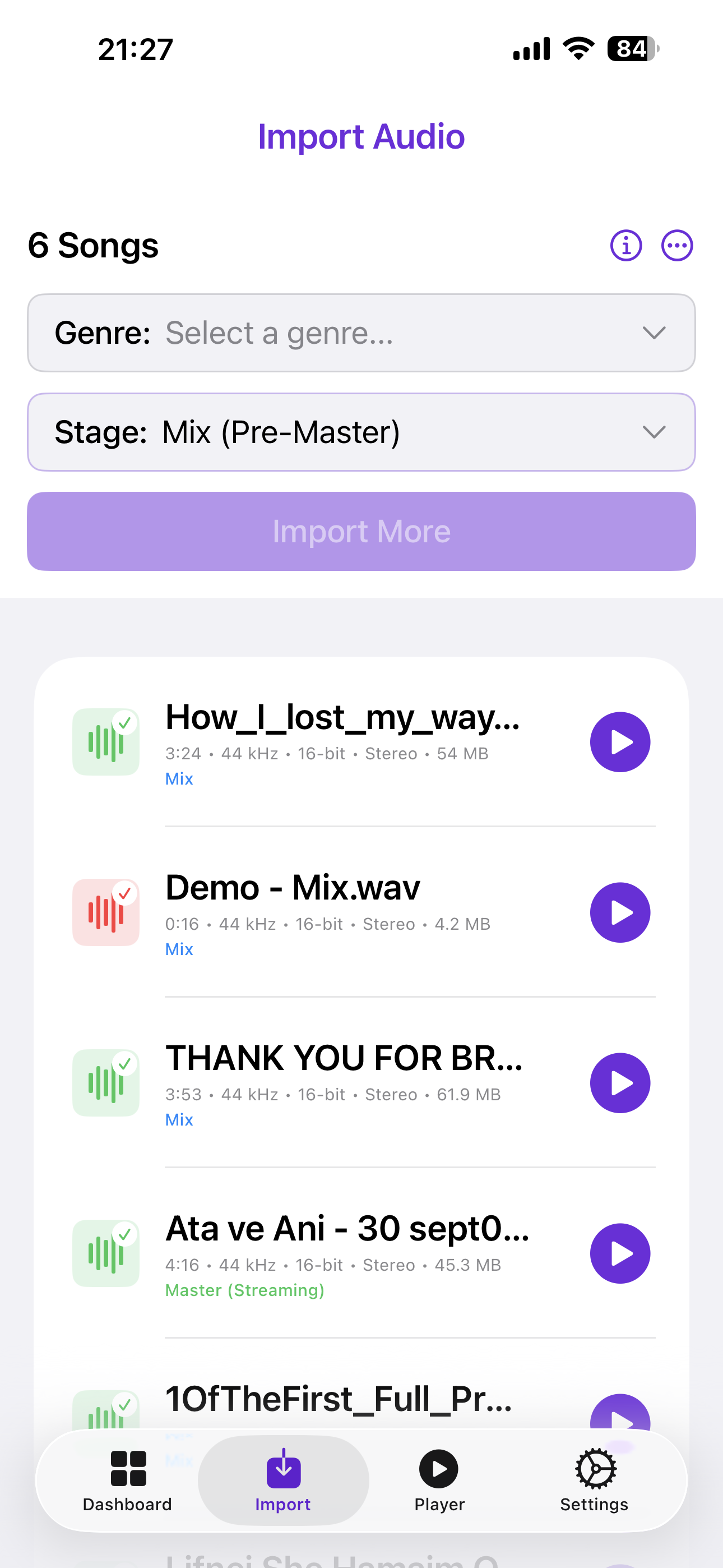
Start by selecting your music genre and production stage (Mix or Master) from easy-to-use pickers. Once configured, import your WAV or MP3 files from your device or iCloud Drive. Drag and drop is available on macOS for streamlined desktop workflow.
Comprehensive dashboard showing all your analysis results at a glance. Monitor total files, analyzed tracks, issues found, and average quality scores. Filter by status and quickly identify tracks that need attention.
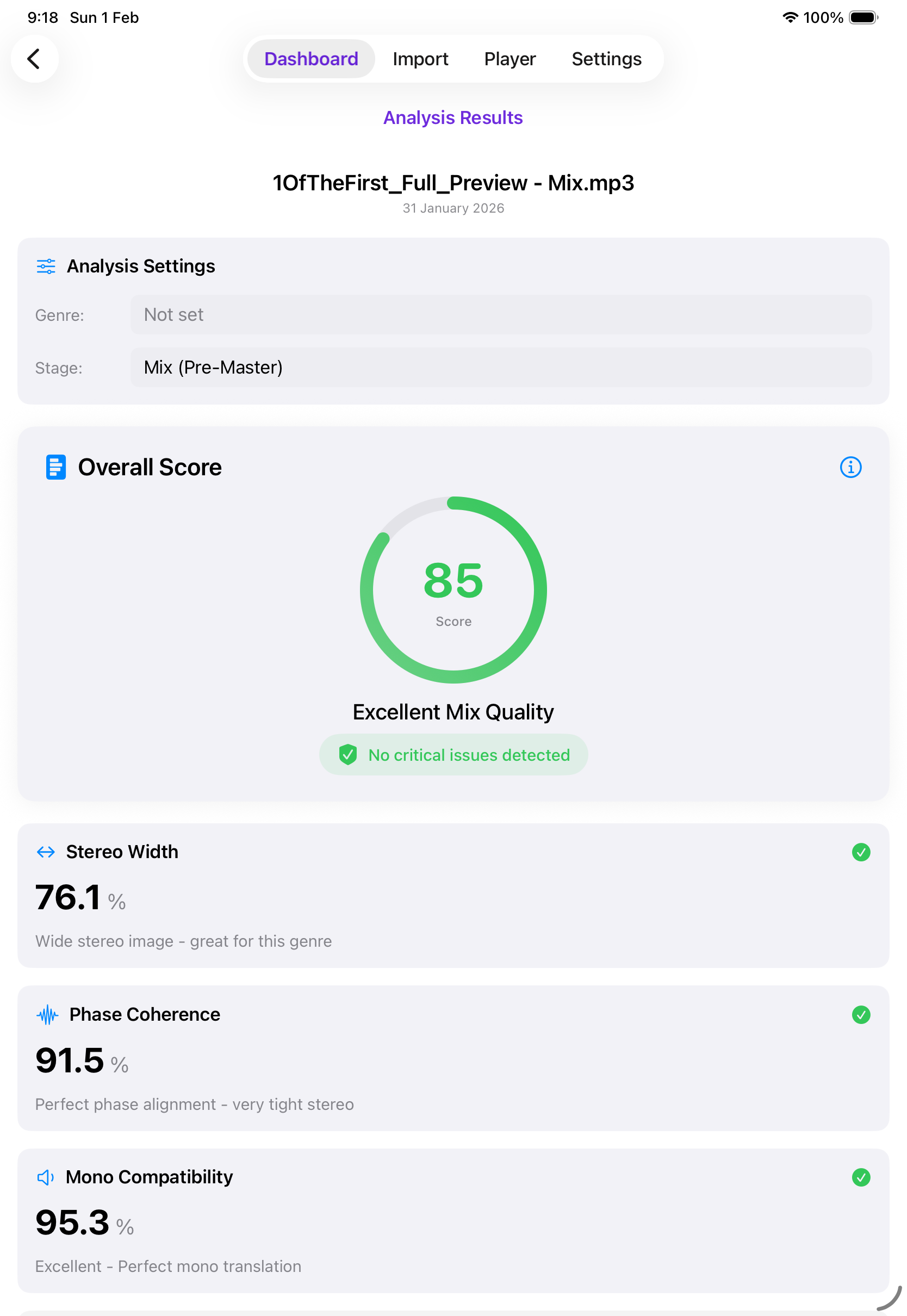
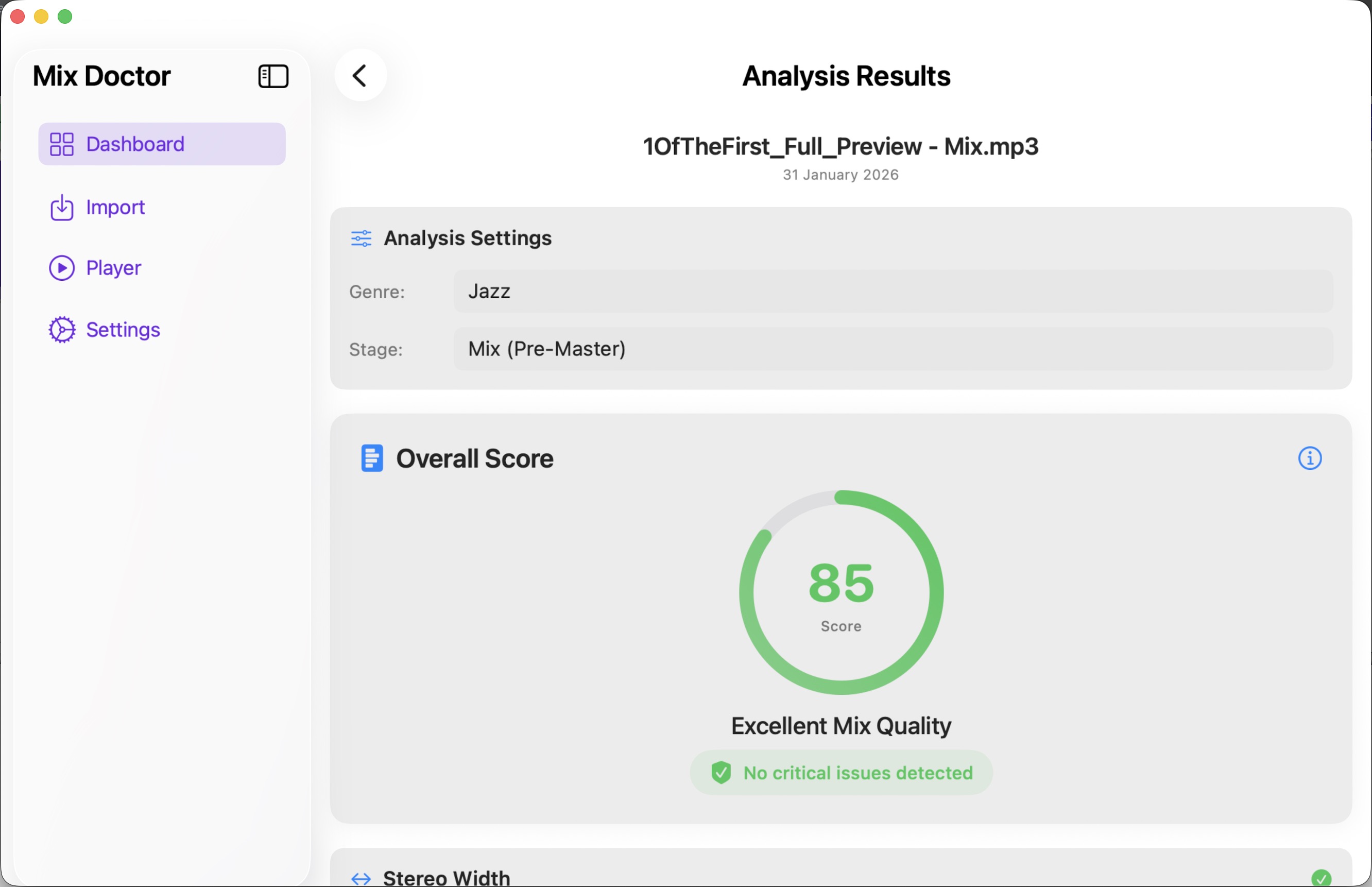
Get detailed analysis results with professional metrics including stereo width, phase coherence, mono compatibility, dynamic range, and frequency balance. Each metric comes with clear explanations and recommendations.
Three simple steps to better mixes
Select your music genre and production stage (Mix or Master), then upload your audio files from your device, cloud storage, or drag and drop directly into the app.
Our advanced algorithms analyze your audio for quality metrics, potential issues, and mixing opportunities.
Review detailed analysis results, AI recommendations, and actionable steps to improve your mix quality.
Professional-grade analysis for every aspect of your mix
Measure the spatial distribution of your mix. Ensure proper stereo imaging without phase issues.
Detect phase cancellation issues that can weaken your mix when played in mono.
Check how your mix translates to mono playback systems like smartphones and club systems.
Analyze the difference between loud and quiet parts to avoid over-compression.
Visualize your mix's frequency distribution across low, mid, and high ranges.
Professional loudness measurement for broadcast and streaming platform compliance.
Everything you need to know about MixDoctor
MixDoctor is an AI audio analyzer for iPhone, iPad, and Mac. It gives music producers instant feedback on stereo width, phase coherence, mono compatibility, dynamic range, frequency balance, and LUFS loudness, along with AI-powered mixing recommendations.
MixDoctor supports WAV and MP3 files. You can import them from your device or iCloud Drive, or drag and drop directly into the app on macOS.
No. Core analysis runs locally on your device using Apple's Accelerate framework, so your audio files never leave your device. Optional iCloud sync is available if you want your results to follow you across devices.
MixDoctor is available on iOS, iPadOS, and macOS, with an interface tailored to each: touch controls on iPhone, split-view and Apple Pencil support on iPad, and drag-and-drop with a full desktop workflow on Mac.
MixDoctor measures stereo width, phase coherence, mono compatibility, dynamic range, frequency balance, and LUFS loudness, and pairs each metric with AI-powered recommendations to help you fix issues.
Yes. Before importing, you choose your music genre and production stage (Mix or Master) so MixDoctor can tailor its analysis and recommendations accordingly.
Yes. The dashboard shows total files, analyzed tracks, issues found, and average quality scores, with filtering so you can quickly find tracks that need attention.
Yes, MixDoctor is free to download on the App Store.
Start your journey with AI audio analysis. Take your music production to the next level.
Download Now - It's Free